
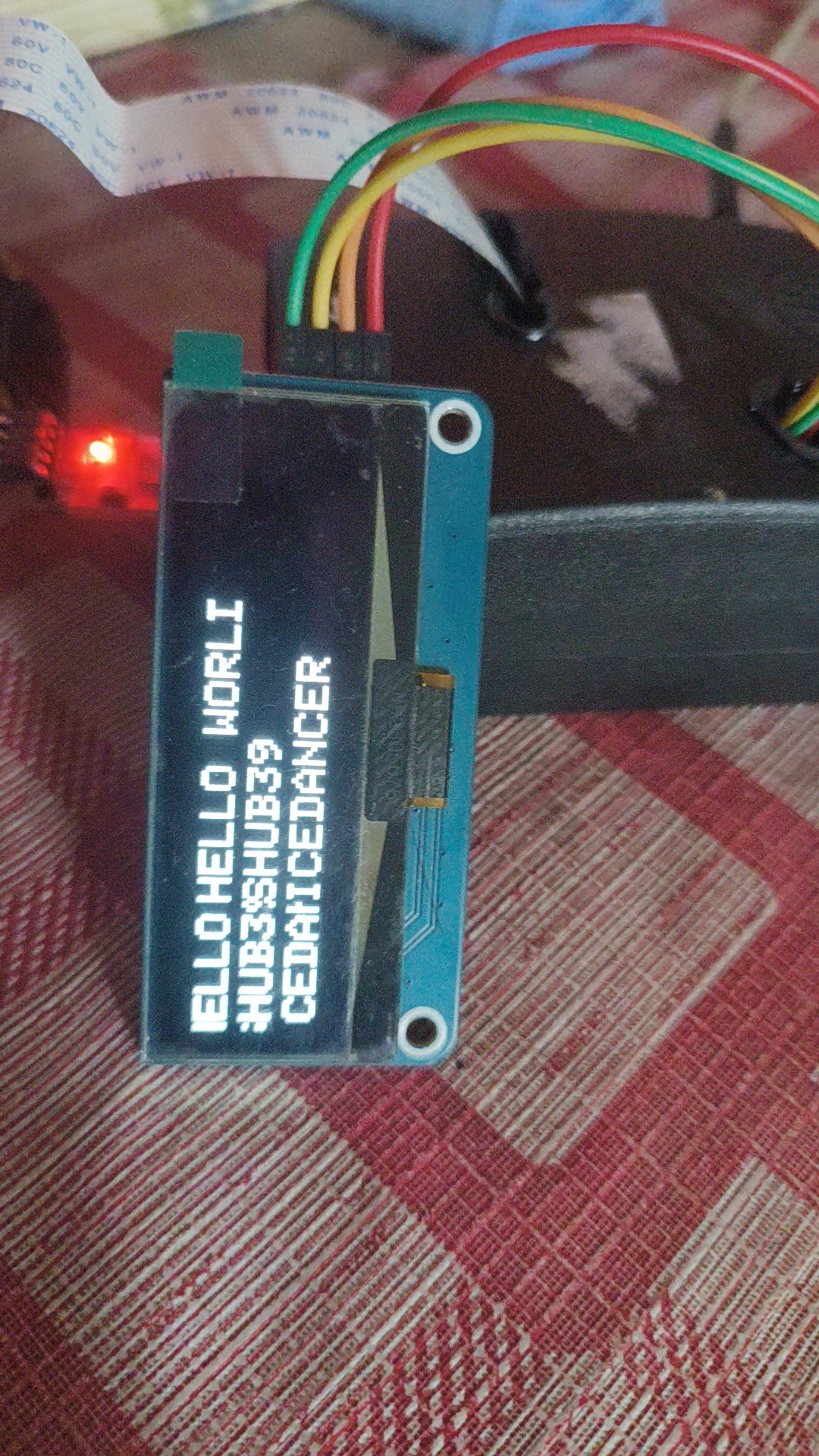
An attempt at making a biometric attendance system for the raspberry pi 4B written in Rust.
This is Kind of a port of my previous project in python
Why?
- Python is too slow.
- bad IDEs and tooling for the Raspberry pi (pip, geany).
- No types in Python :(
- I’m a masochist and I like to overdo everything.
- Wanted to learn Rust through a challenging project.
What I used?
Hardware
- R305 fingerprint sensor by Adafruit. Connected through UART
- 4x4 GPIO keypad
- ssd1305 oled display
- Raspberry pi 4B (8gb)
Software
- Rustrover by JetBrains
- Standard ssh stuff
What I did?
At first I thought it would be as simple as rewriting the core modules of the system in Rust. And I was wrong. Doing some initial research I found out there are no crates to handle communication with the fingerprint sensor. I should have stopped right there.
I spent the next 8 hours deep into the serial communications rabbi thole and somehow got a module working at the end of it to store and search fingerprint templates using the sensor. I immediately realised that Rust is way better than python in terms of tooling and language features. I was able to write a proper struct to represent the sensor in runtime with proper typed errors, and it felt great. And then I called it a day
I compiled the debug binaries in my main machine and executed on the raspberry pi via ssh. It was going smooth with a bash script.
The next day I decided to tackle the display stuff. Couldn’t find a crate to handle my specific
ssd1305 display but got the next best thing. A crate to handle ssd1306 displays. Quickly
wrote a script to handle that but the display was rendering funky. It would always skip every other
row of pixels in the default 128x32 configuration.
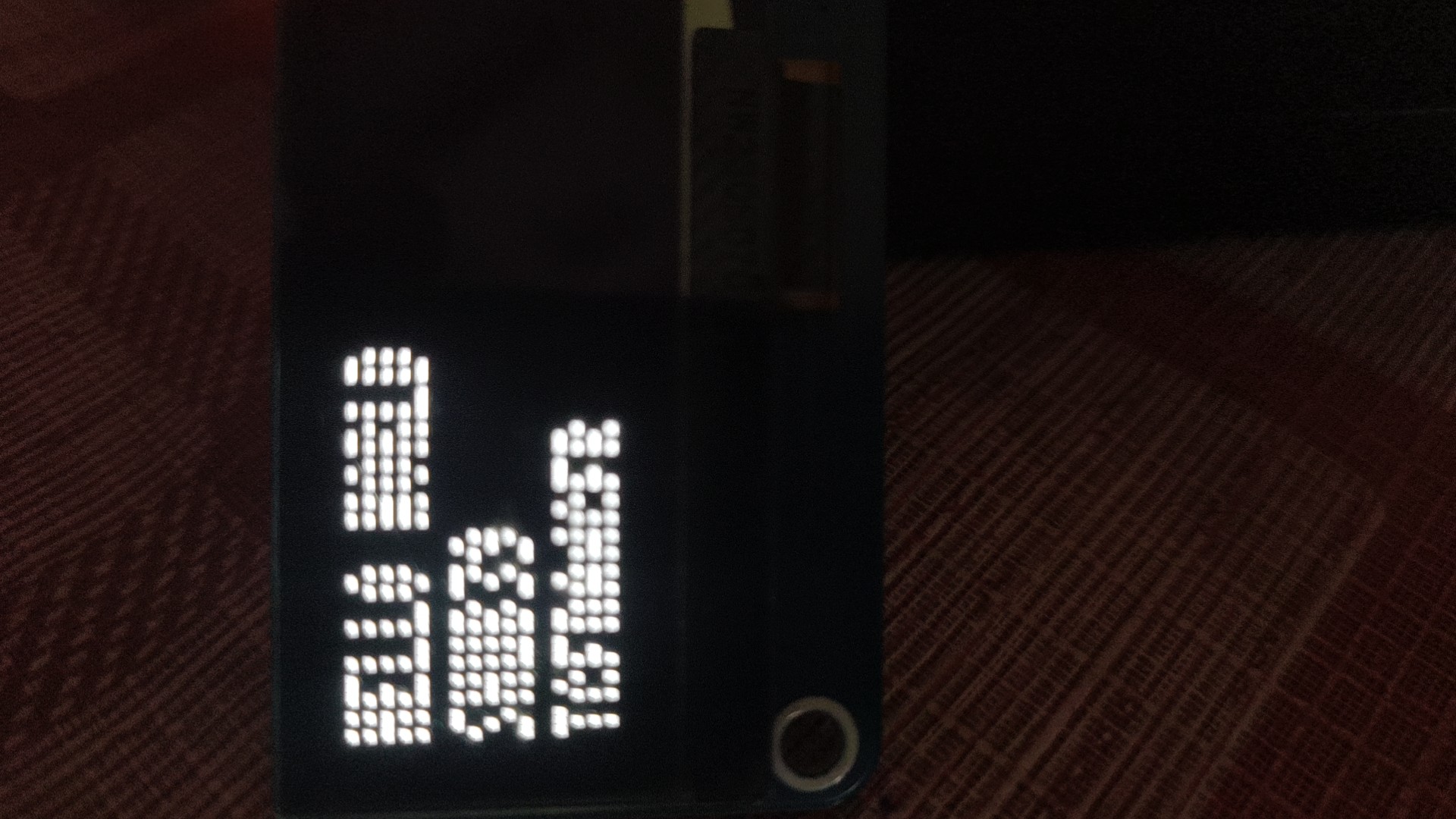
I spent way too long trying to figure out what’s going wrong. In other display configurations, it would fill all pixels but with repeating text and inconsistencies. Eventually I gave up on it and settled with a hacky solution suggested by AI, skipping every other row of pixels while rendering in 128x64. still it would incorrectly render some pixels at the edge of the display. Ended day 2
Day 3 and I started working on getting the Keypad working. It was fairly simple using the rppal
crate. Got a working struct for it too and it was working as expected. Till now I was very impressed
by the results. The sensors were really fast and responsive and I faced way less errors during sensor
communication unlike in python.
Then I tried to get the camera working and realised its a mess. There are many crates to handle standard raspberry pi cameras but they require 32-bit OS and I was way in too deep to try and change everything I have done till now. On the other hand there were no good face_detection and machine learning crates that would compile without errors even on the raspberry. AI was suggesting to use python via FFI but that defeated the whole purpose of starting this project.
Ultimately decided to drop this and just put up with python for now. Maybe I’ll revive this attempt later with a different purpose and skill. For now this is just a reminder and reference, and a lesson to not go all in on bleeding edge stuff as its almost always counter productive